


Useful informations :
1. Various guides and instructions for :
- sizes
- water resistance
- time, date, day setting
- solar watch
- digital watch
- connected watch
2. Setting a Chronograph
3. Adjusting a stainles steel strap
4. Functions and tutorial (video) of a connected watch ICE smart
5. Functions and tutorial (video) ICE smart junior /
Geolocatable watches in classic or connected version / ICE kids 4G
6. Functions of a connected ring ICE ring
7. After-Sales Service
8.
FAQs
(Frequently Asked Questions)
1. Various guides and instruction manuals
(translated into several languages)
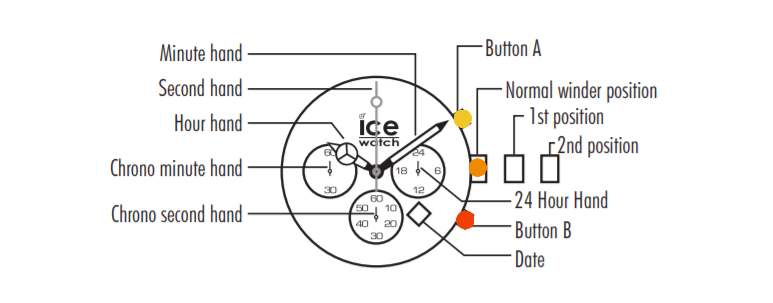
2. Instructions for setting a chronograph
3. Adjust a stainless steel strap
4. Functions of the connected watch ICE smart
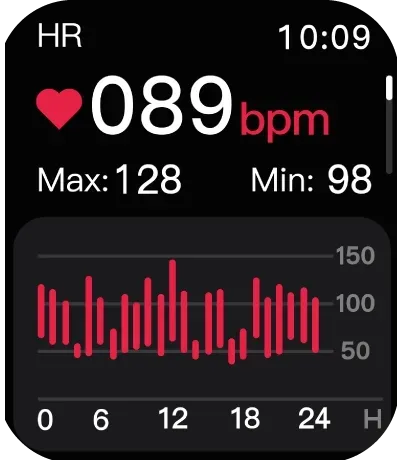
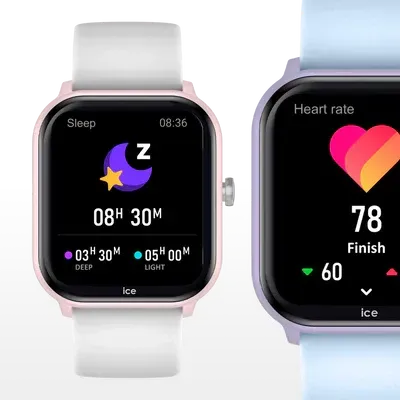
Heart rate
Activate the measurement of your heart rate throughout the day.
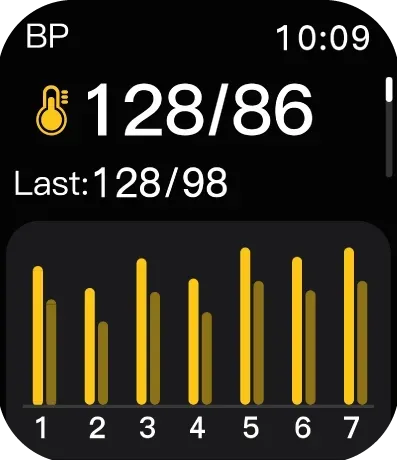
Blood pressure
Measure your blood pressure and save your last 7 results.
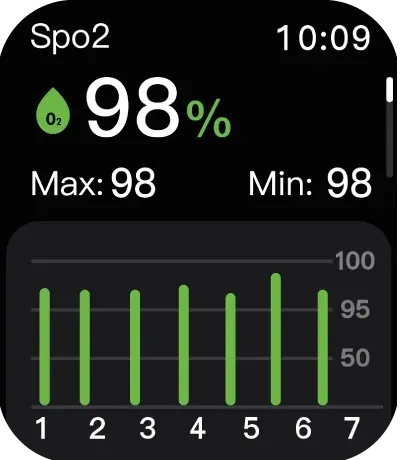
Oxygen level
Measure your blood oxygen level and save your last 7 results.
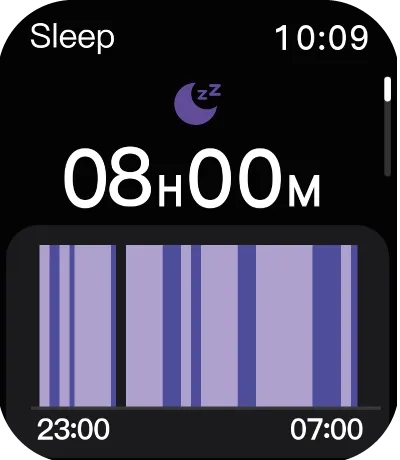
Sleep
Save the total duration of your sleep periods and its different phases.
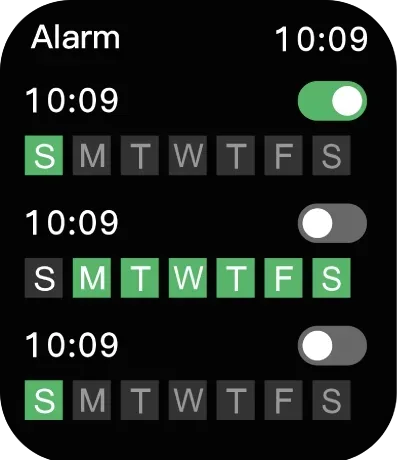
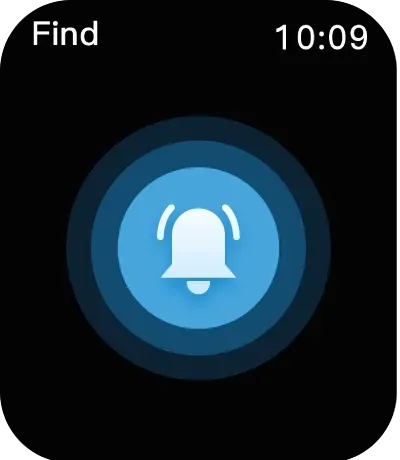
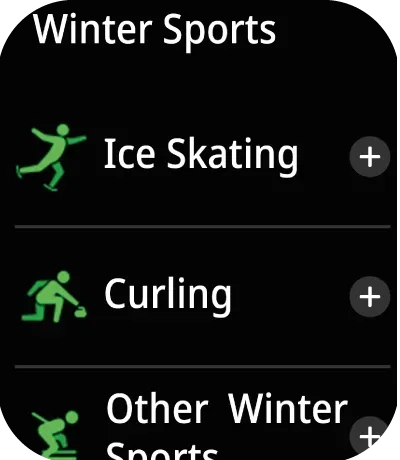
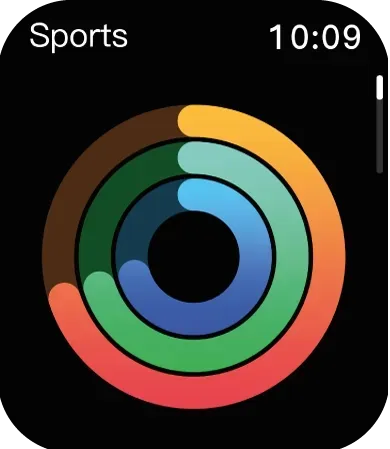
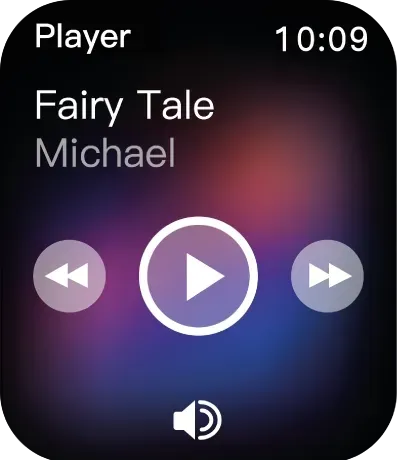
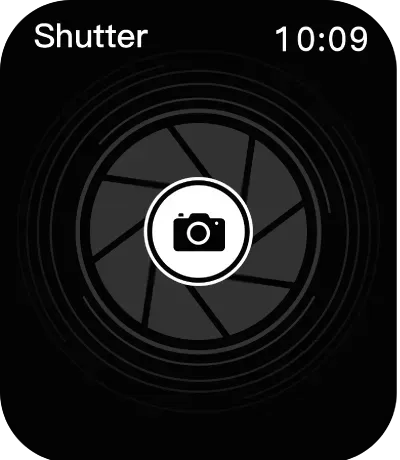
Camera remote control
Once you have connected your watch to your phone, you can use it as a remote control for your phone’s camera.
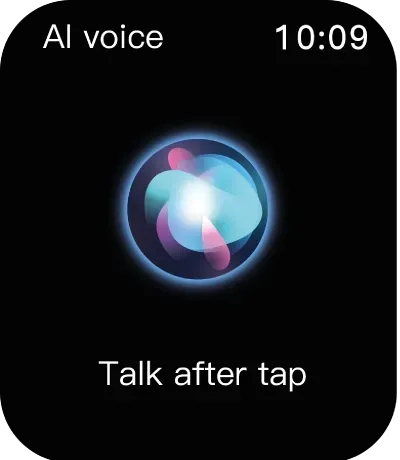
Voice assistant
Say the ‘activation word’ to activate your phone’s voice assistant.
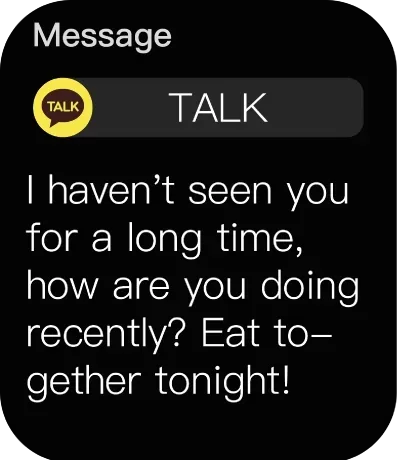
Notifications
Synchronise your phone’s notifications and display your last 5 notifications.
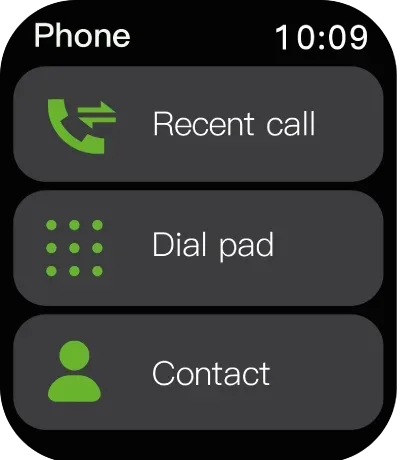
Phone
Recent calls
saves your call history.
Dial pad
enter a number to call from your watch.
Contacts
your contacts are synchronised with the app.
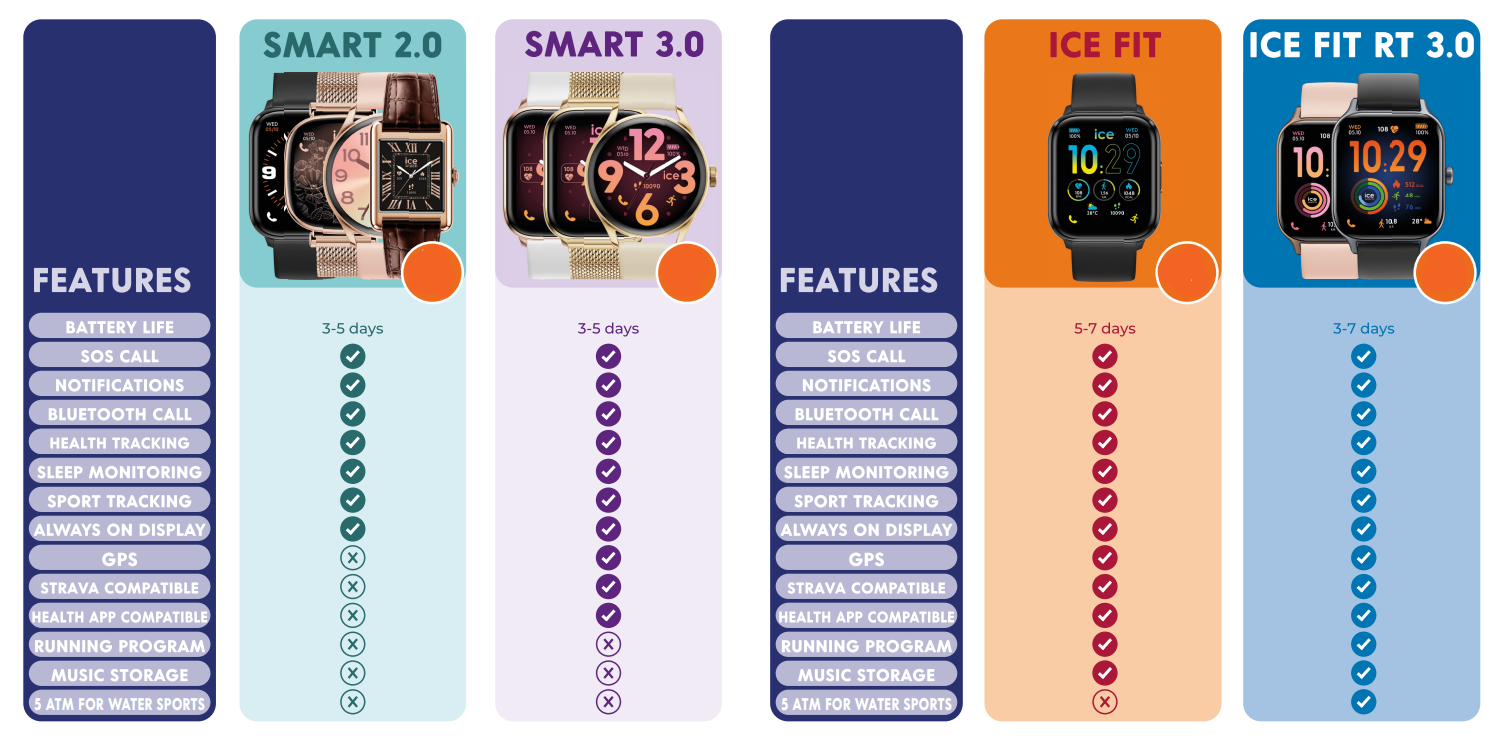
ICE smart TKS 2.0
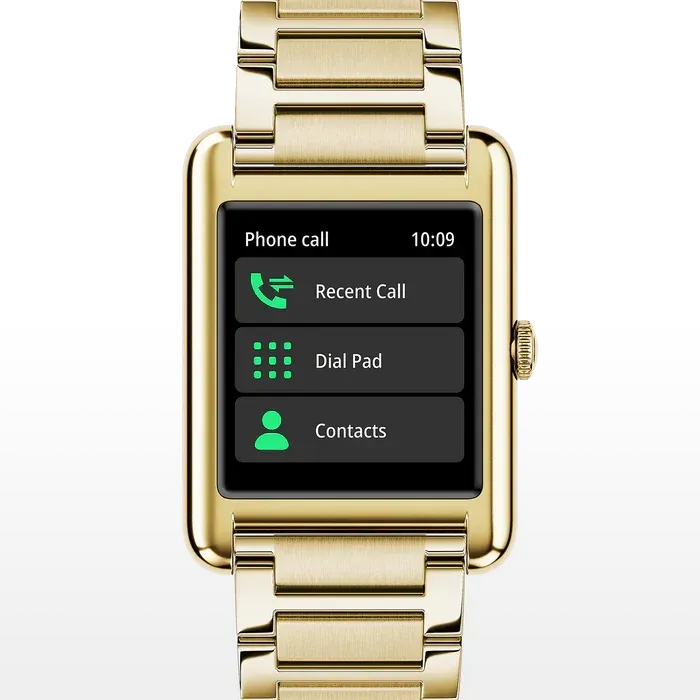
Bluetooth Calls
With the ICE smart TKS 2.0, there’s no need to take out your phone to answer a call ! In just one move, you can make or receive calls, via Bluetooth, directly from your watch.
Perfect for busy days, it follows you everywhere — at work, on a walk or at the gym — keeping you connected effortlessly and always in style.
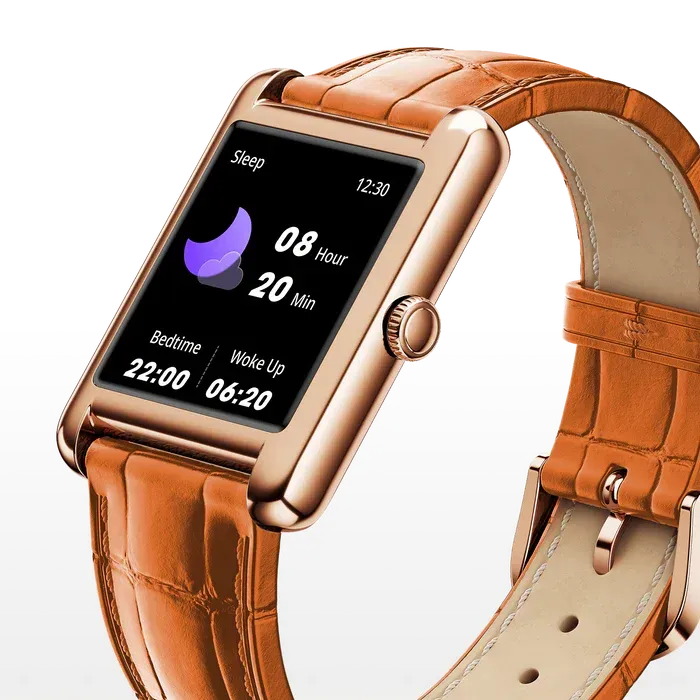
Health Tracking
The watch offers complete health monitoring: heart rate, blood oxygen level and blood pressure are measured to give a clear overview of your daily well-being.
It also includes sleep tracking to analyze your light and deep sleep phases and display rest periods via the ICE smart app — helping you build healthy routines.
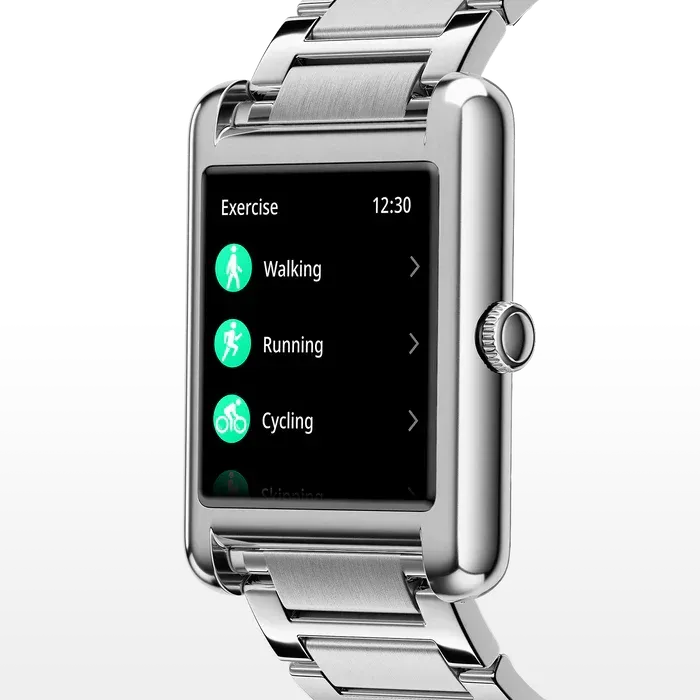
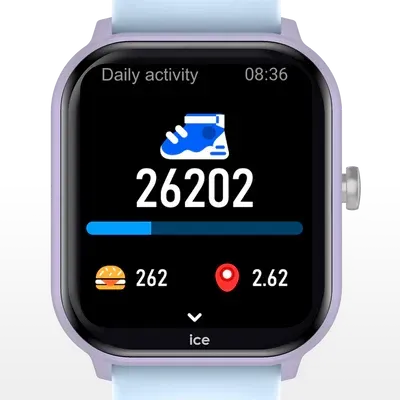
Sport Tracking
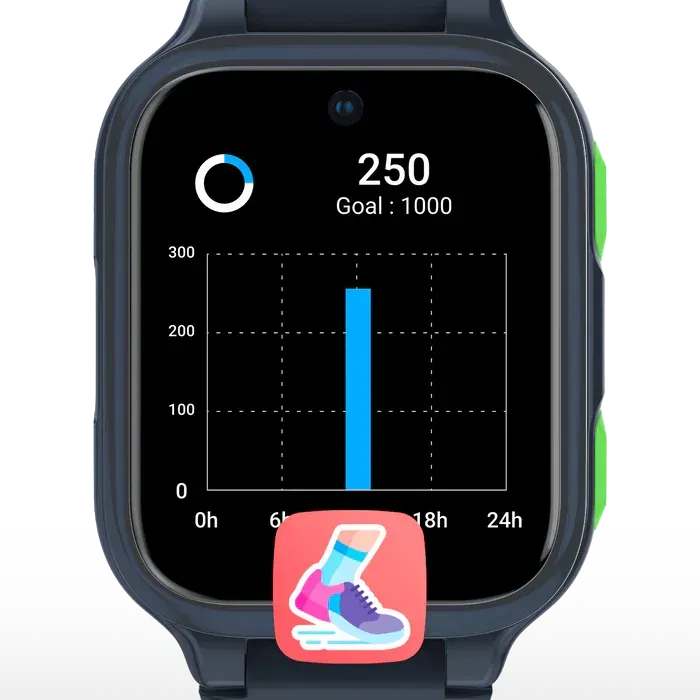
.The ICE smart TKS 2.0 supports you in all your sports activities by tracking steps, distance and calories burned.
Thanks to the ICE smart app, you can check your results and see your progress day after day.
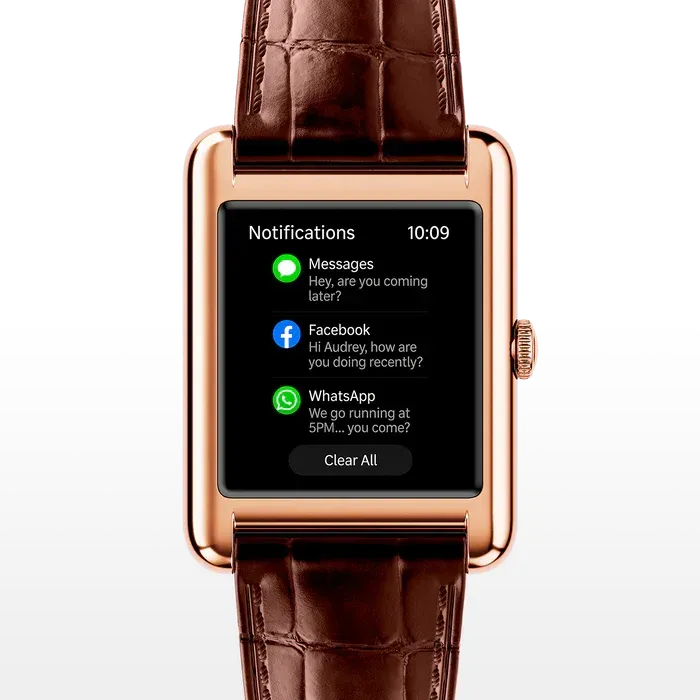
Notifications
Sync your phone’s notifications directly to your watch.
It displays the five most recent notifications on screen.
To enjoy this feature, activate notifications in the ICE smart app.
● Tutorial ICE smart TKS 2.0 (useful for any ICE smart)
●
Comparison
between the models
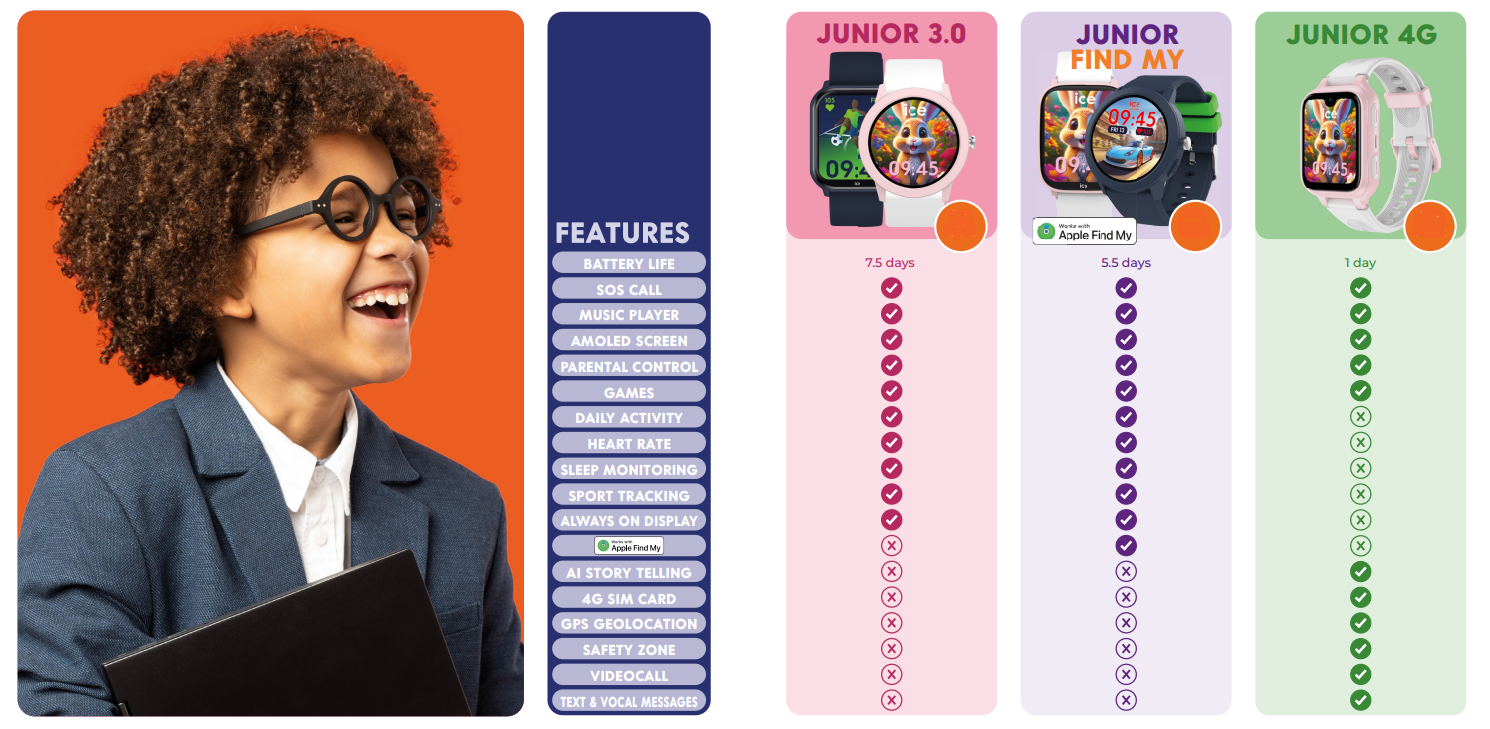
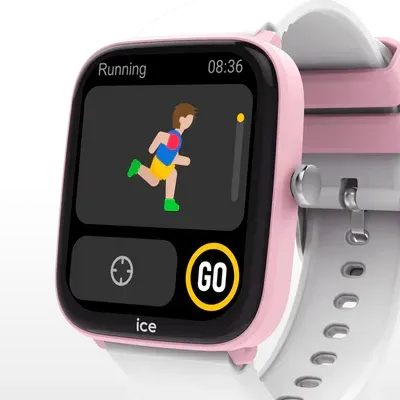
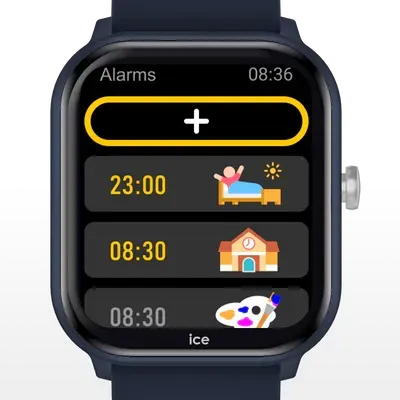
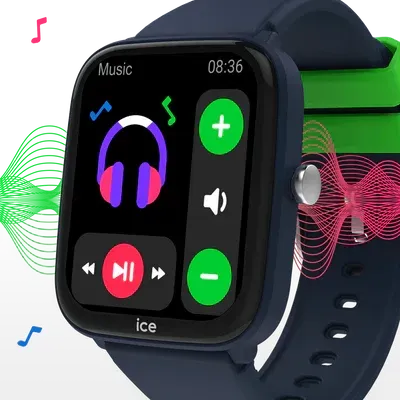
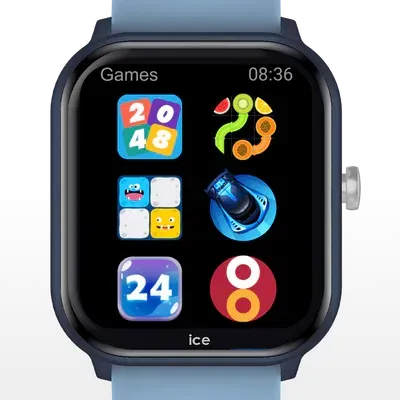
5. Functions of ICE smart junior
● Tutorial ICE smart junior 3.0
● Geolocatable watches in
classic or
connected version
Which watch to choose
?
ICE find
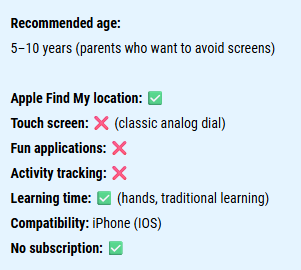
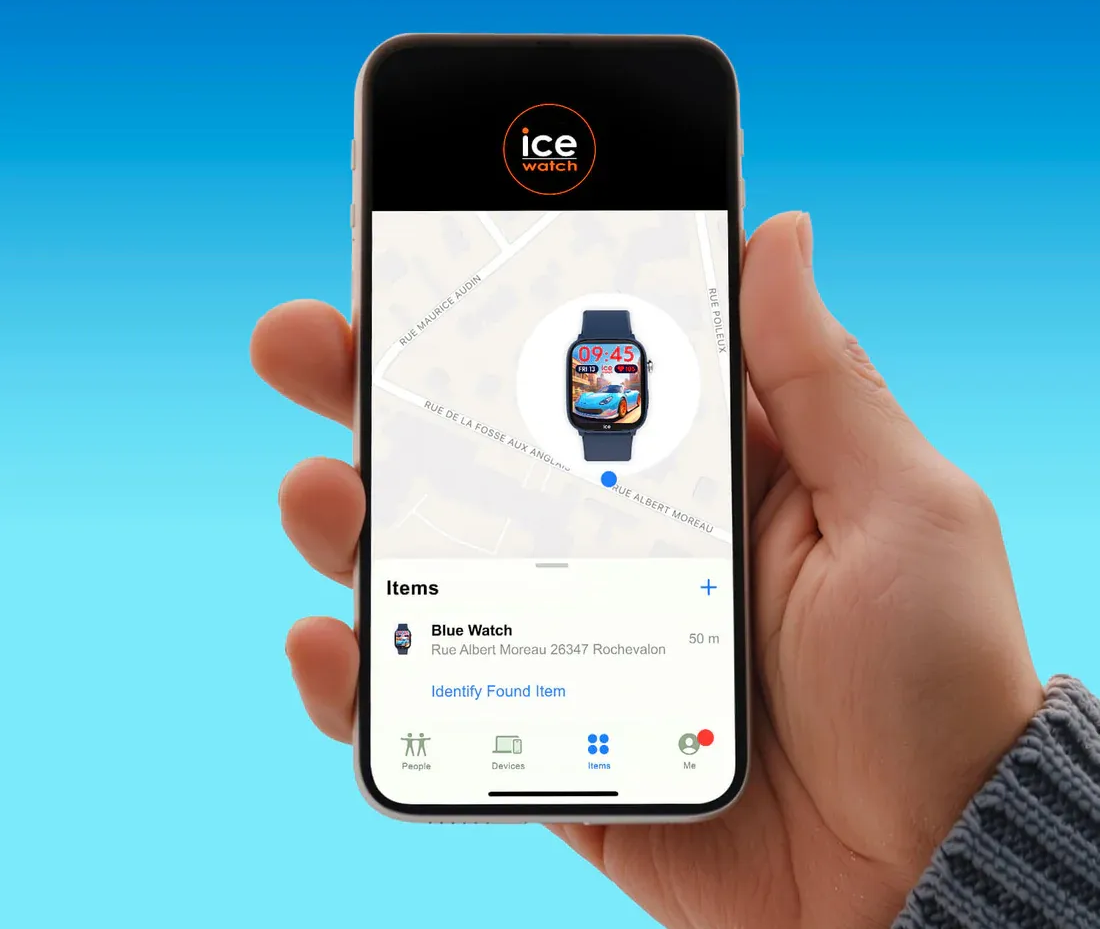
ICE smart junior 3.0 Find My
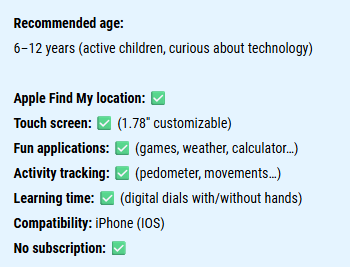
Activate Apple Find My
● No paid subscription
● No sim card required
● Use of
Apple's secure network
● Compatible with Apple devices only
ICE Smart Junior 3.0 Find My allows you to geolocate your child's smartwatch
directly on your phone in complete security, thanks to Apple's Find My technology.
If the watch is not nearby, the Find My app uses Apple’s global network to locate it. Nearby devices securely and anonymously send its position to iCloud, where it appears in the app.
● Tutorial ICE smart junior 3.0 - Find My
● Tutorial ICE smart junior - Find Hub
● Functions of ICE kids 4G
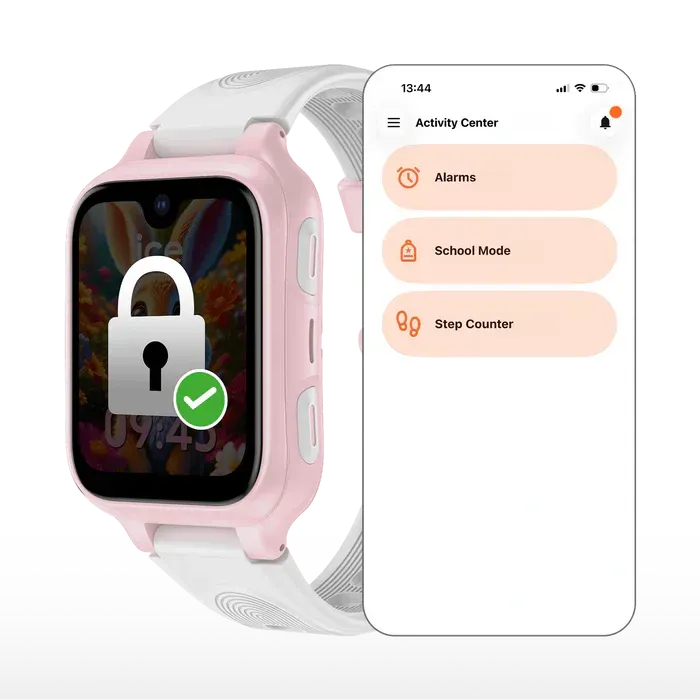
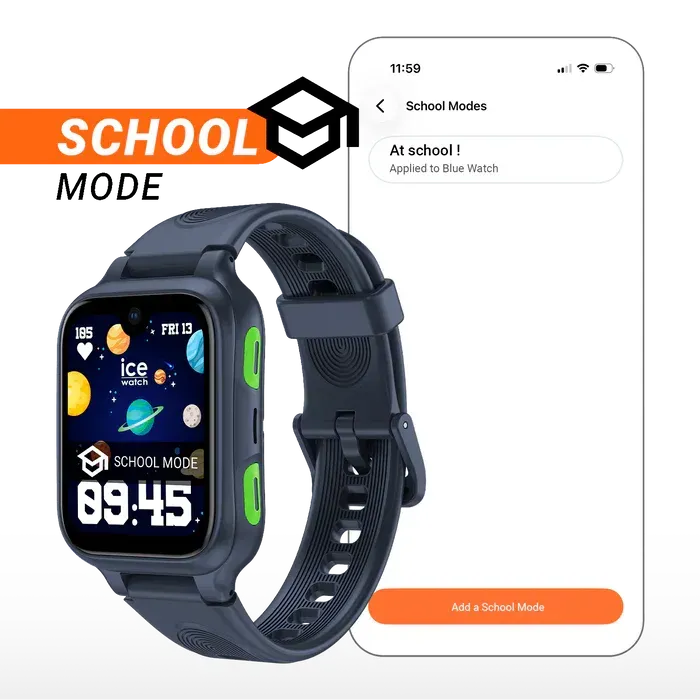
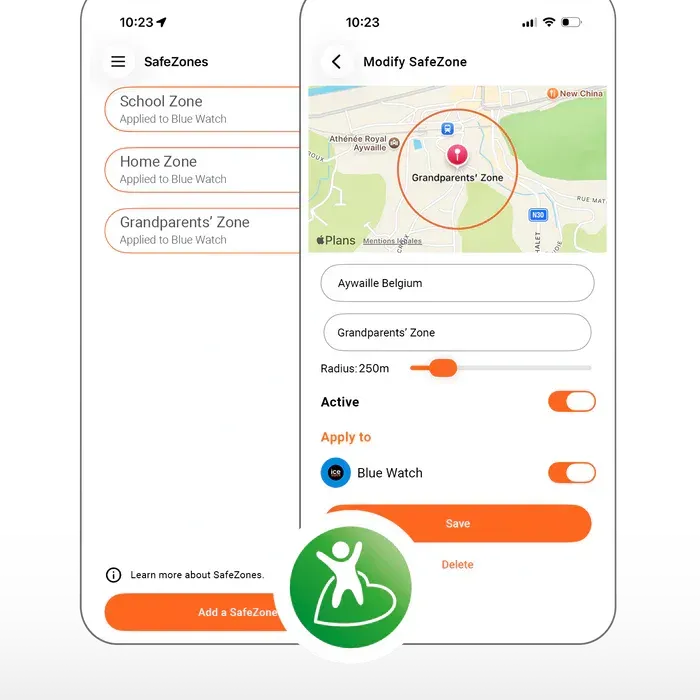
SAFETY ZONES
SAFETY ZONES
With the Safety Zones feature, enjoy peace of mind every day.
From the app, you can easily set up multiple safety zones around the important places in your child's life: school, home, grandparents' house, sports,…
📍 Set a personalised perimeter for each location.
💛 A simple and reassuring solution to keep your child safe.
🔔 As soon as your child leaves a defined zone, you immediately receive a notification on your smartphone.
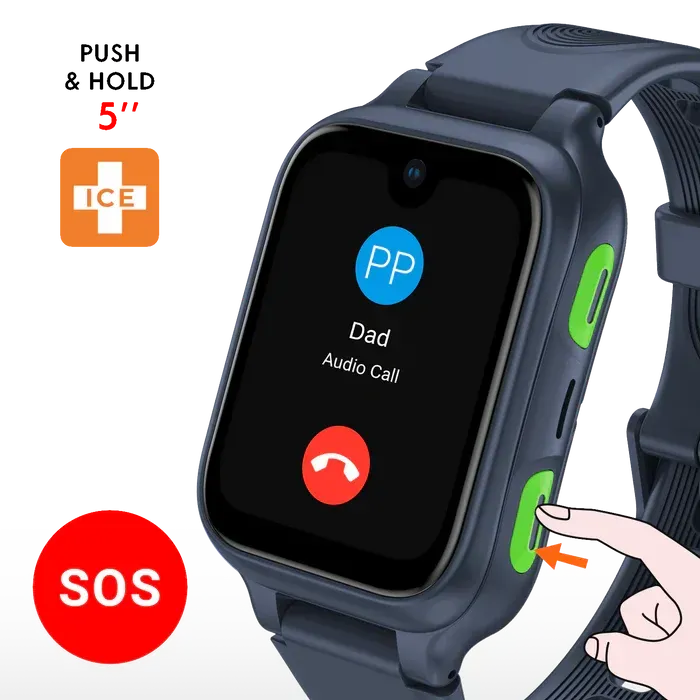
EMERGENCY CALL
Immediate help at hand.
⏱️ A long press of 5 seconds is enough to activate the feature: the watch automatically initiates an audio call to the managing parent via the ICE KIDS 4G app.
📞 Simple and intuitive, this system allows the child to act independently, even in a stressful situation.
💛 An essential feature to stay connected to your child, at all times.
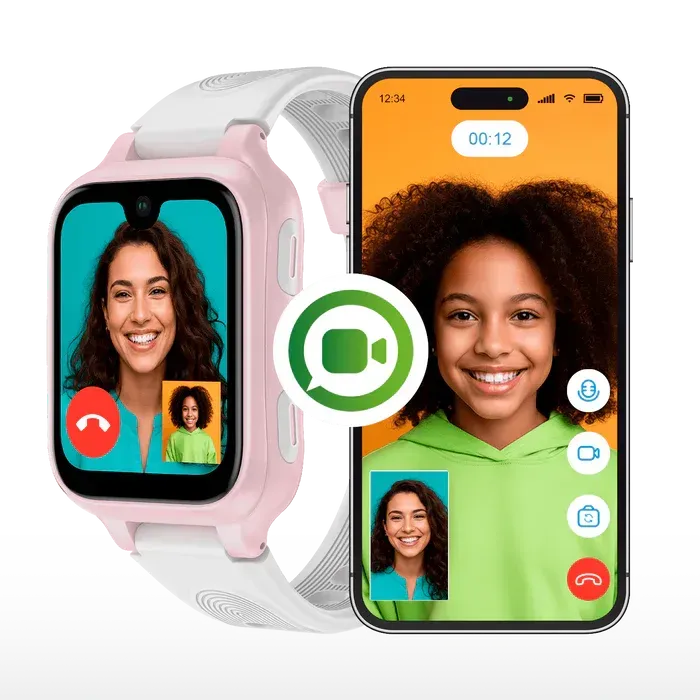
VIDEO CALL
Stay connected to what matters most
Thanks to its 4G connectivity and built-in nano SIM card, ICE kids 4G allows children to make calls, send voice messages, texts or photos and stay in touch with their loved ones.
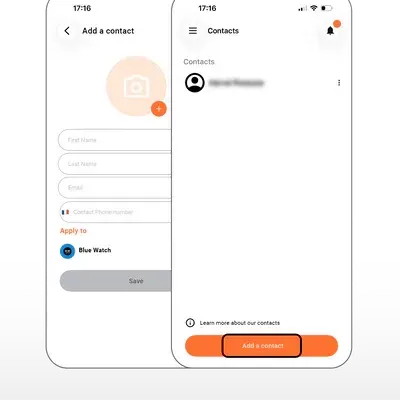
All communications are secure and limited to parent-approved contacts via the dedicated app.
AI STORY
AI STORY
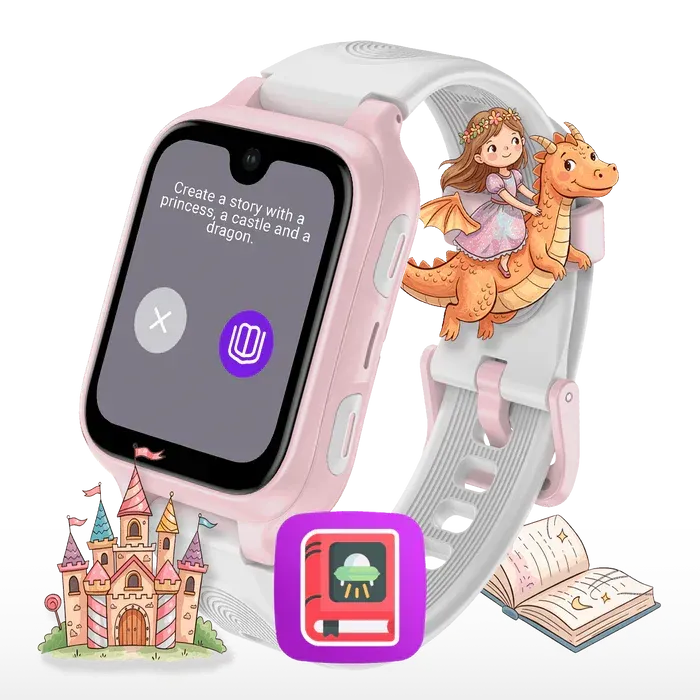
With the AI Story feature, the watch becomes a true magical storyteller!
🎧 The child imagines and dictates their story and the AI instantly creates a unique audio narrative, just for them.
🛡️ Inappropriate requests are simply not taken into account, for an always positive and safe experience.
🌈 A fun way to stimulate imagination… and to travel through stories, again and again!
Starting with
ICE kids 4G
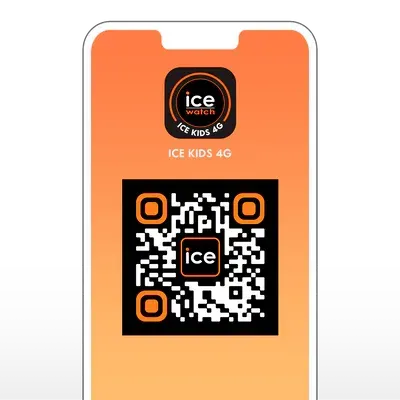
Install the App on your smartphone
Install the ICE kids 4G app on your smartphone (main parent) via the App Store or Google Play.
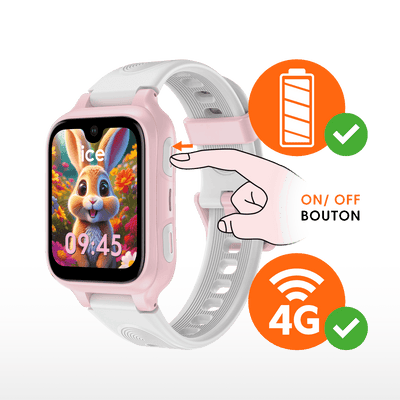
Check, charge and start the wach
Fully charge your watch, make sure you have stable network coverage and turn it on using the Power button (top right button).
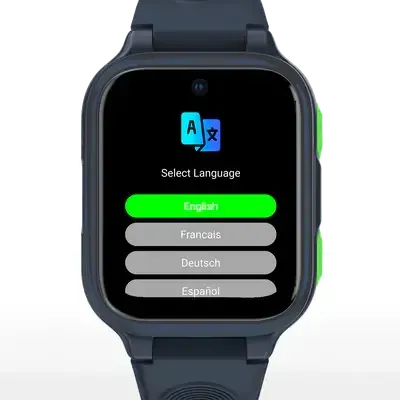
Start-up sequence on the watch
Select your language, press "Start" (2x), a unique QR code is displayed.
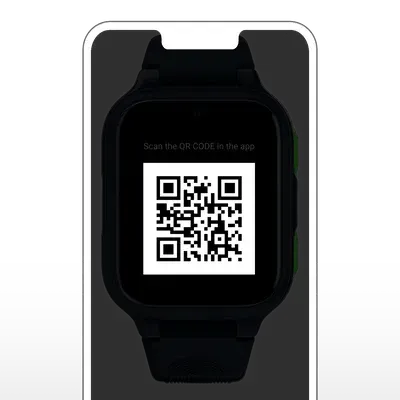
Pair the watch to the smartphone
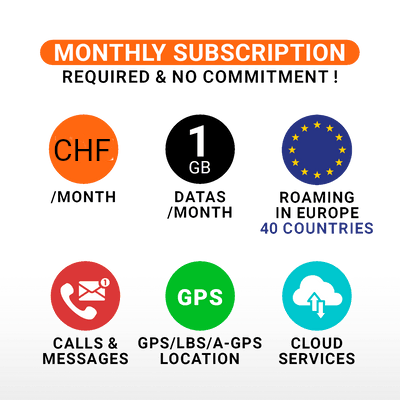
Open the ICE kids 4G app on you smartphone, go to "My Devices", tap "Add a Device", tap "Buy a Plan" (follow the steps), scan the watch's unique QR code, enter the 8-digit code displayed on the watch and tap "Next".
6. Functions of the connected ICE ring
The ICE ring is linked to a mobile application
that lets you quickly view all the data recorded by the connected ring.
Compatible with iPhone and Android, the ICE ring application can be downloaded
from the Google Play Store or the Apple App Store.
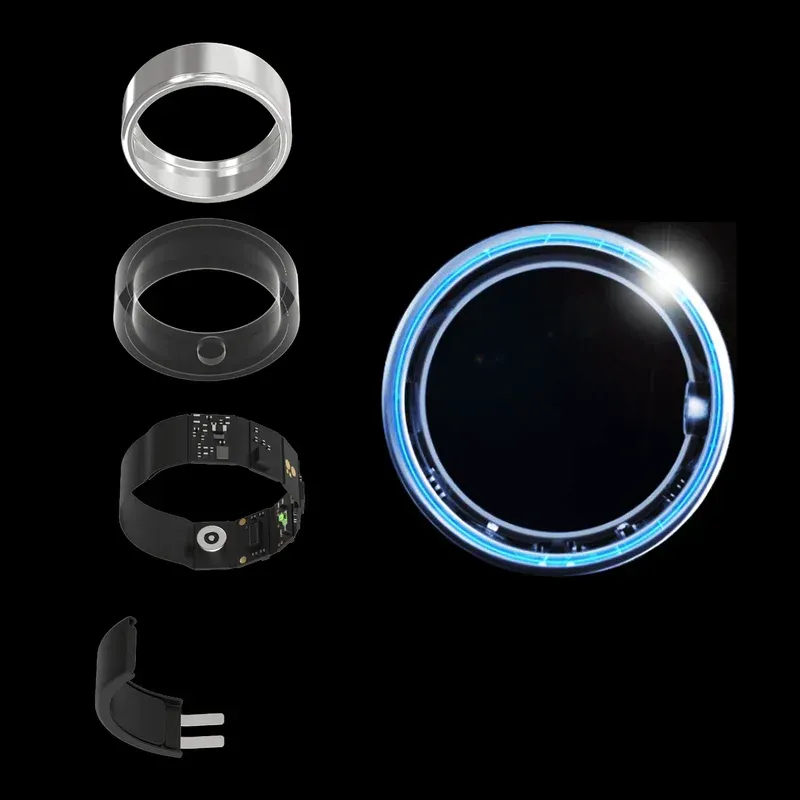
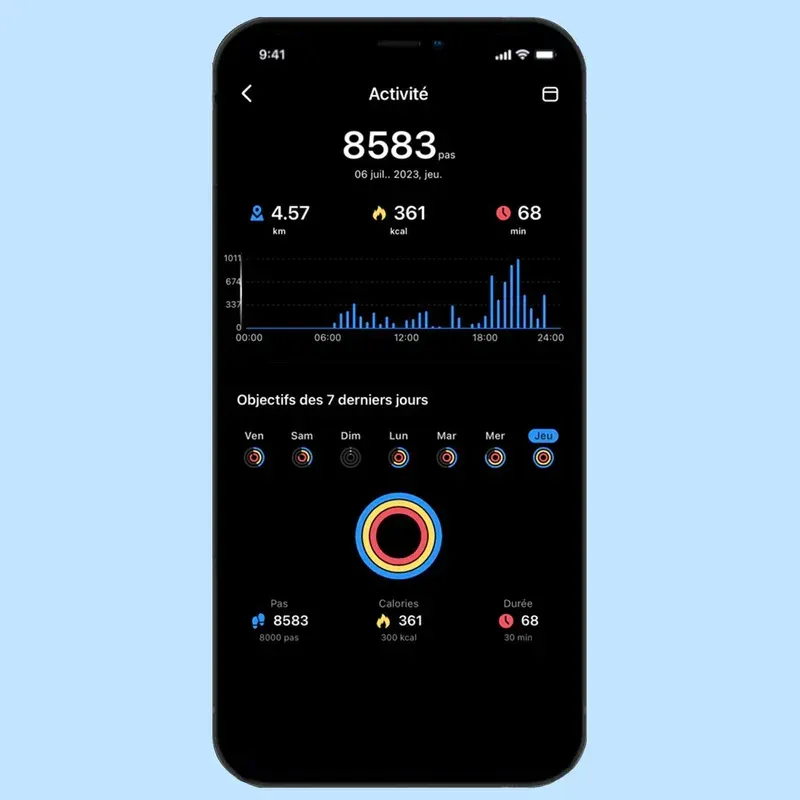
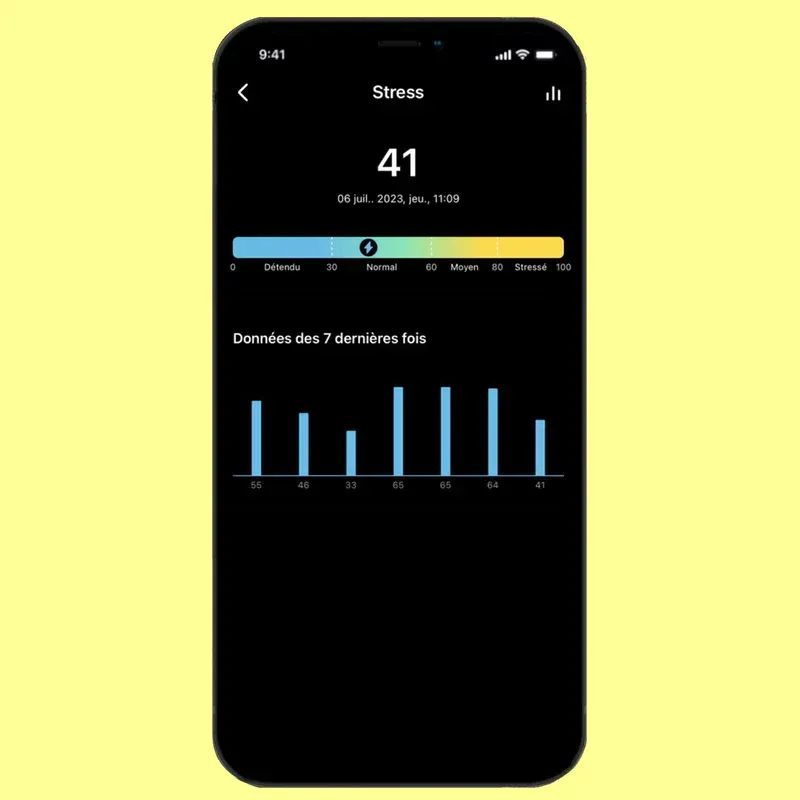
Activity monitoring
With the ICE ring, you can track your activity according to your lifestyle.
The connected ring records and measures every detail
of your daily life :
- number of steps
- distance covered
- heart rate
- calories burned
- stress management
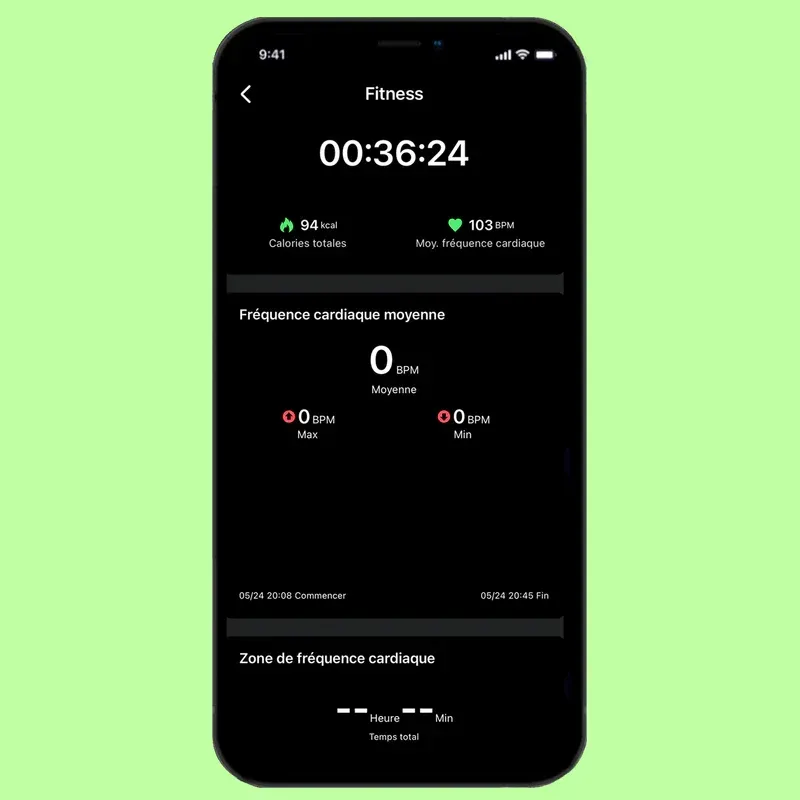
Sports Activities and GPS
The ICE ring can track 24 sports via the application, 5 of which use the GPS function to display the distance covered between the start and finish points on the map.
Sports :
Fitness, Running, Football, Cycling, Tennis, etc.
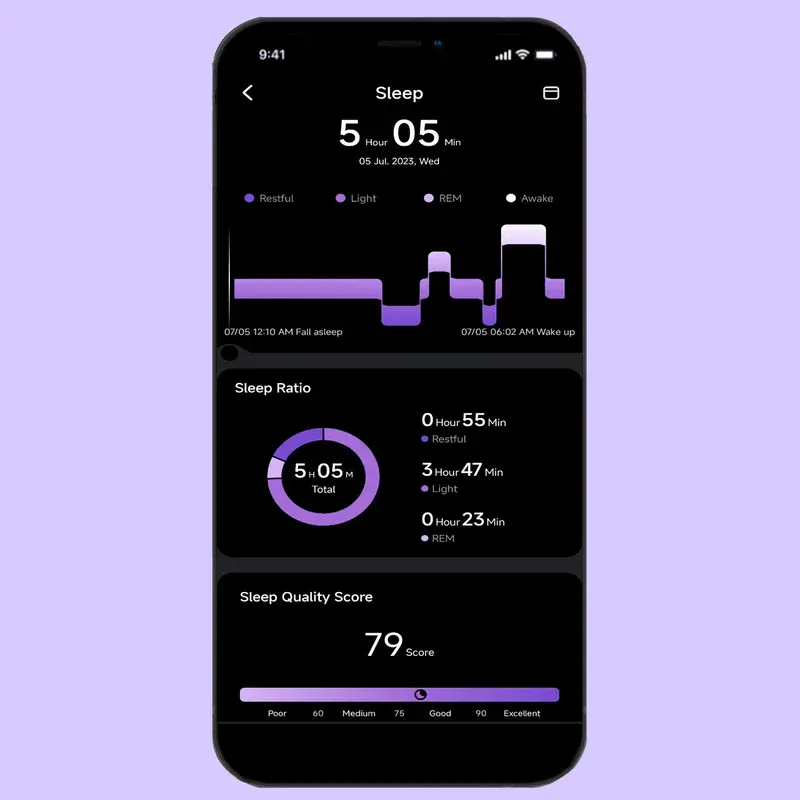
Sleep Monitoring
Analysis of the ICE ring's sensors enables the algorithms to sequence the sleep cycles :
awake, resting, light sleep,
deep sleep / REM.
Each cycle plays an important role for the body. A score between 0 (poor) and 100 (excellent) will be recorded on the app depending on the quality of sleep during the cycle.
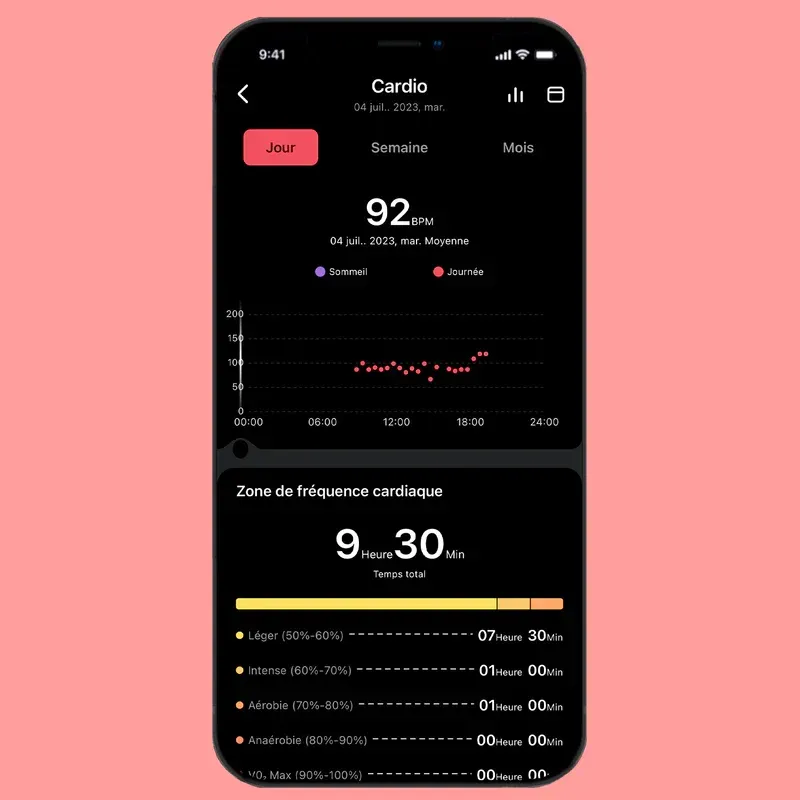
Cardiac and blood monitoring
The ICE ring also detects and tracks heart rate, heart rate variation, blood pressure and SpO2.
The data is recorded every hour and continuously during sporting activity, in a way that is as discreet as it is ultra-precise.
7. After-Sales Service
For any service or repairs to your ICE-WATCH watch, please contact the brand's point of sale. To find a shop near you, consult the shop locator page.
At the Ice-Watch Genève Flagship Store, any ICE-WATCH watch, whether or not it is under warranty, is taken care of by us for :
- a change of battery with waterproof check
- the replacement of the mineral glass
- supply of strap or band, buckle or bar and a strap adjustment
- if your watch cannot be repaired, you will be proposed to replace it with a new watch; the old one will be recycled.
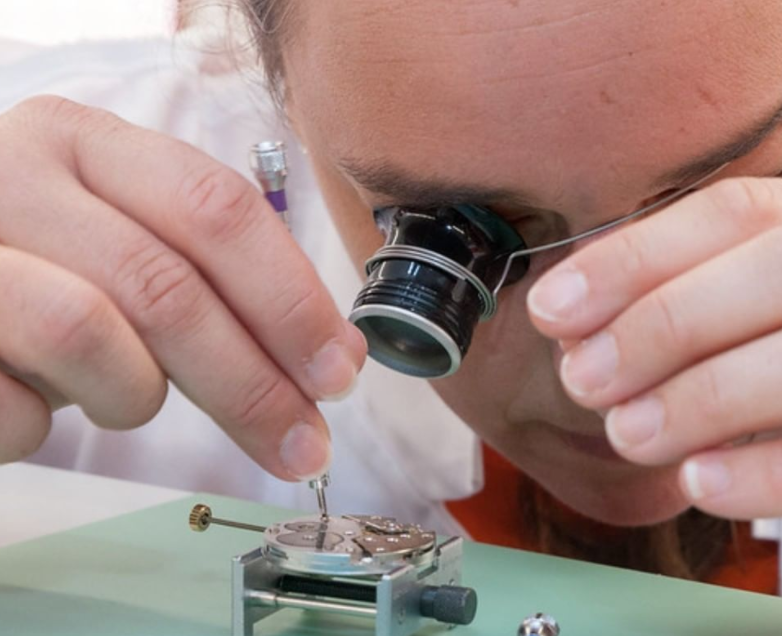
For a battery change, contact your nearest ICE-WATCH retailer (see shop locator page) or any watchmaker.
At the Flagship Store Ice-Watch Genève, the battery change service, including water-resistance check and possible seal-water replacement, is carried out within 24-48 hours by our qualified Swiss watchmakers in their workshop in Geneva.
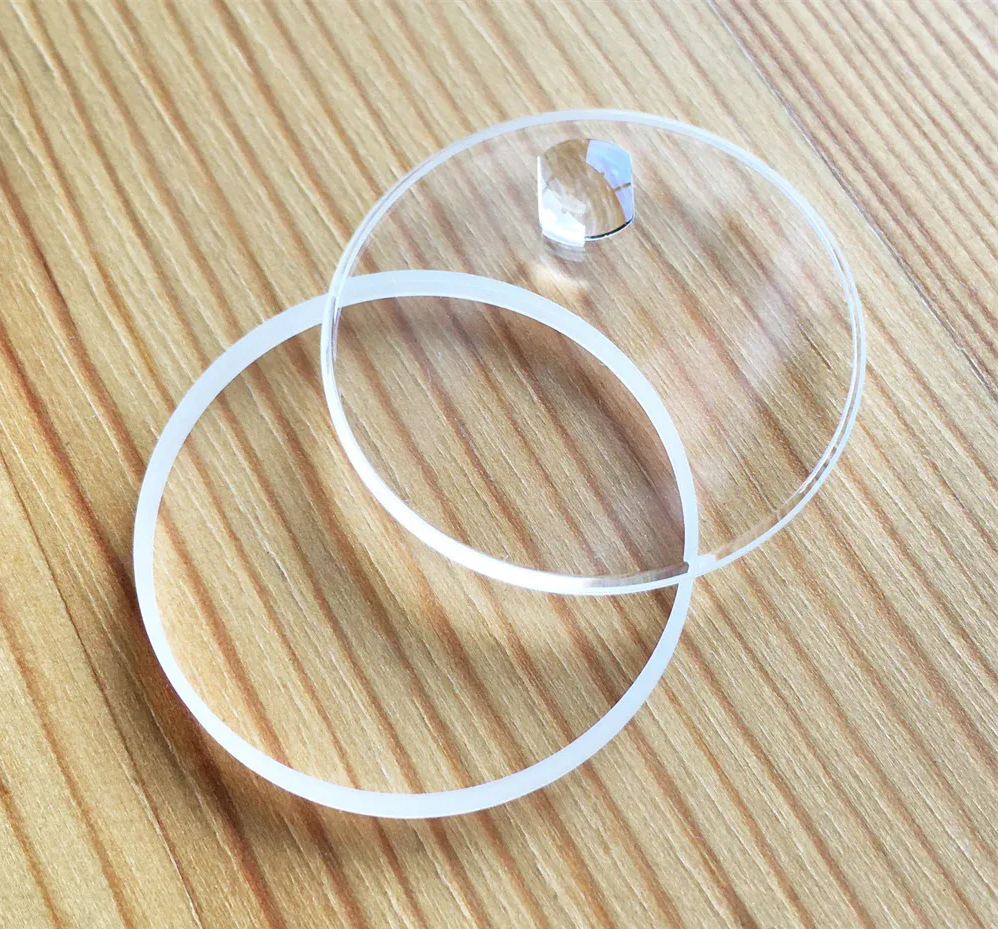
The mineral glass on your ICE-WATCH watch has been damaged, cracked or broken by an accidental impact or fall. We are very sorry about this.
Fortunately, the mineral glass can be replaced without further ado. To do so, please go to your nearest ICE-WATCH point of sale (see shop location).
If the watch is too badly damaged, you will be proposed to replace it by a new one; the old one will be recycled.
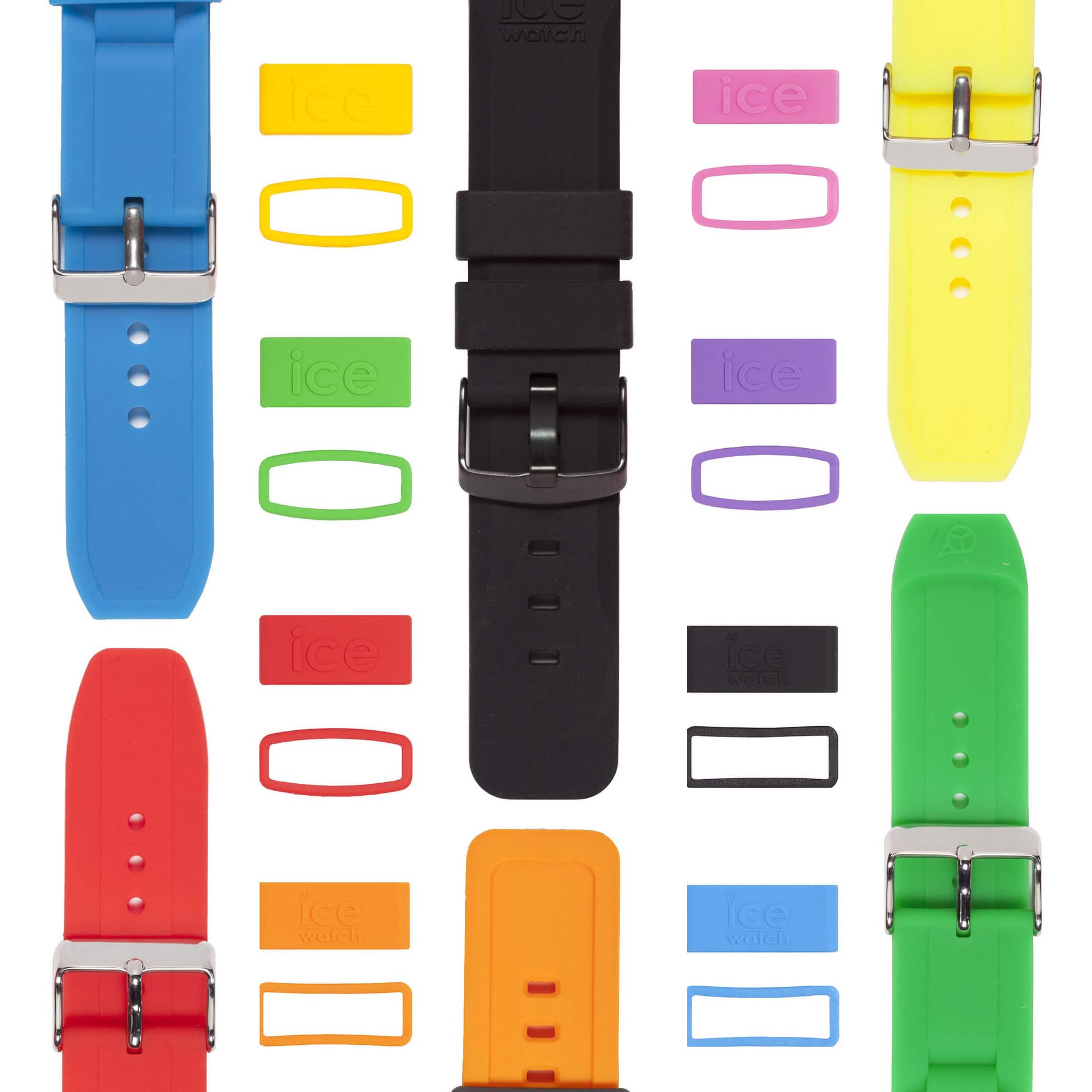
Changing the strap :
take your watch with you (to enable you to record the dimensions and colour of the strap required) and contact your ICE-WATCH sales point, which will provide you with the strap.
Replacement a loop :
take your watch with you (to enable the dimensions and colour of the required loop to be noted) and go to your ICE-WATCH sales point, which will supply you with the loop corresponding to the strap of your watch.
To find a shop near you, see the shop locator page.
If a supply is not available, it will be ordered and you will be notified by SMS as soon as it is received.
Would you like to recycle your watch ?
Whether it is damaged, worn out or simply no longer to your liking, we are committed to collecting your ICE-WATCH watch for recycling.
To support you in this process, we offer you a 30% discount voucher (in the form of a gift-card) to be used on your next purchase on www.ice-watch-geneve.com
You will receive the gift card as soon as we receive the watch to be recycled.
To do so, please :
1. Send us an email informing us of your intention and providing your exact contact details (first name, surname, exact address, telephone number) as well as the watch reference number (found at the top of the back of the case).
2. Return your watch (at your expense, in a plain envelope by A+ post) to :
Ice-Watch Genève - 11, rue de Rive - 1204 Genève
